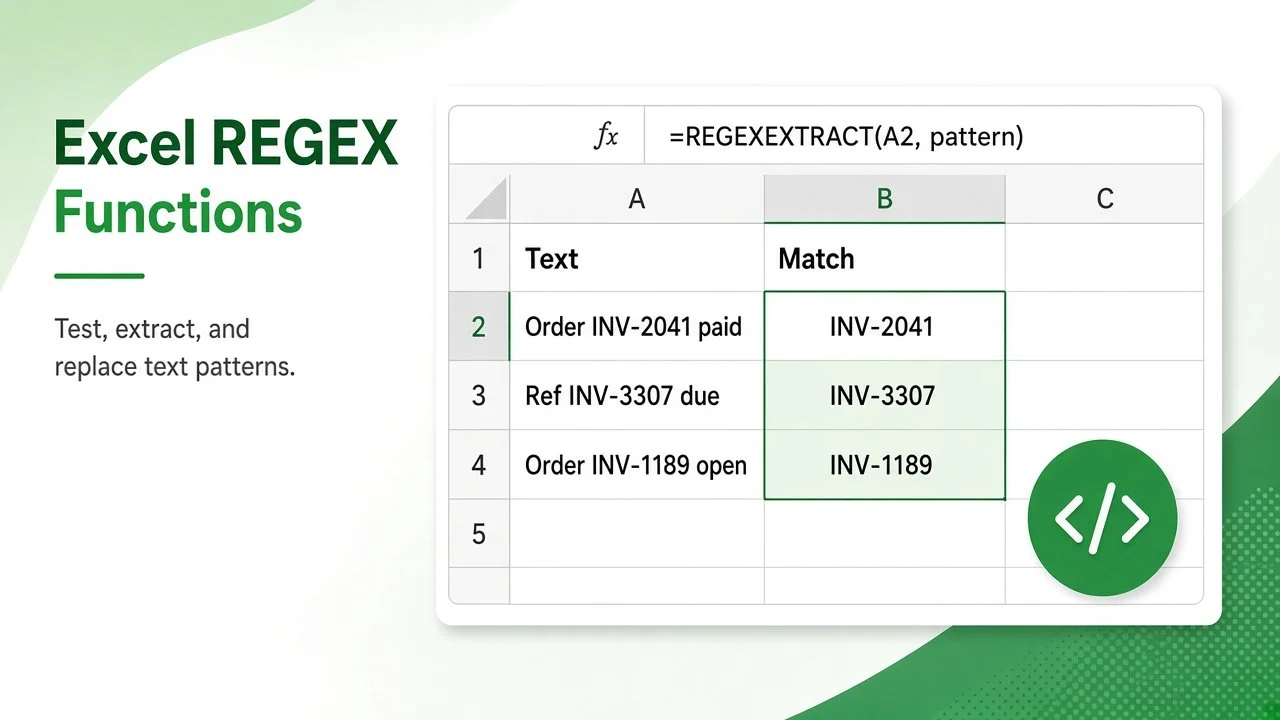
Cleaning text with nested LEFT, MID, FIND, and SUBSTITUTE formulas is slow and fragile. The Excel REGEX functions replace most of that work with one pattern. REGEXTEST checks whether text matches a pattern, REGEXEXTRACT pulls out the matching part, and REGEXREPLACE swaps it for something else. This tutorial explains the syntax of all three with practical examples, a pattern cheat sheet, and fixes for common errors.
The three functions are available in Excel for Microsoft 365 on Windows and Mac. According to Microsoft’s REGEXEXTRACT documentation, they all use the PCRE2 flavor of regular expressions. They are not available in Excel 2024, 2021, or earlier perpetual versions.
Excel REGEX Functions at a Glance
| Function | Syntax | Returns |
|---|---|---|
| REGEXTEST | =REGEXTEST(text, pattern, [case_sensitivity]) | TRUE or FALSE |
| REGEXEXTRACT | =REGEXEXTRACT(text, pattern, [return_mode], [case_sensitivity]) | The matching text (always as text) |
| REGEXREPLACE | =REGEXREPLACE(text, pattern, replacement, [occurrence], [case_sensitivity]) | The text with matches replaced |
For case_sensitivity, 0 (the default) means case-sensitive and 1 means case-insensitive.
Regex Pattern Cheat Sheet for Excel
| Token | Matches | Example |
|---|---|---|
[0-9] | Any digit | [0-9]+ matches 2041 |
[A-Z] / [a-z] | Upper-case / lower-case letter | [A-Z][a-z]+ matches Asha |
. | Any single character | a.c matches abc |
+ / * | One or more / zero or more of the previous token | [0-9]* |
{4} / {2,} | Exactly 4 / two or more of the previous token | [0-9]{4} |
^ / $ | Start / end of the text | ^PRD |
[^0-9] | Any character that is not a digit | Used to strip symbols |
( ) | Capturing group | ([^@]+)@(.+) |
\ | Escapes a special character | \( matches ( |
REGEXTEST: Validate Text Against a Pattern
Suppose product codes in A2:A6 must be “PRD-” followed by exactly four digits. Enter this in B2 and copy it down:
=REGEXTEST(A2,"^PRD-[0-9]{4}$")| Code (A) | B: case-sensitive | C: case-insensitive |
|---|---|---|
| PRD-1042 | TRUE | TRUE |
| prd-2210 | FALSE | TRUE |
| PRD-77 | FALSE | FALSE |
| PRD-3301X | FALSE | FALSE |
| PRD-5528 | TRUE | TRUE |
Column C uses =REGEXTEST(A2,"^PRD-[0-9]{4}$",1), so the lower-case code also passes. The ^ and $ anchors force the whole cell to match; without them, “PRD-3301X” would return TRUE because it contains a valid code. REGEXTEST also works as a custom rule in Data Validation or Conditional Formatting.
REGEXEXTRACT: Pull Out Matching Text
Extract the first match
Notes in A2:A4 contain invoice numbers in different positions. In B2:
=REGEXEXTRACT(A2,"INV-[0-9]+")| Note (A) | Result (B) |
|---|---|
| Paid INV-2041 on 3 Nov | INV-2041 |
| Refund issued for INV-3307 | INV-3307 |
| Invoice pending | #N/A |
When nothing matches, REGEXEXTRACT returns #N/A. Wrap it to show a cleaner result: =IFERROR(REGEXEXTRACT(A4,"INV-[0-9]+"),"None").
Extract all matches (return_mode 1)
Cell A6 contains “Qty 12, Qty 7, Qty 30”. Return mode 1 returns every match as an array that spills into neighboring cells:
=REGEXEXTRACT(A6,"[0-9]+",1)Result: 12, 7, 30. Because REGEXEXTRACT always returns text, convert the matches before doing math. The double minus does that here: =SUM(--REGEXEXTRACT(A6,"[0-9]+",1)) returns 49. You can also use VALUE.
Extract capturing groups (return_mode 2)
Cell A8 holds the email [email protected]. To split it into user name and domain in one formula:
=REGEXEXTRACT(A8,"([^@]+)@(.+)",2)Result: asha.rao and example.com in two adjacent cells, one for each group in parentheses.
REGEXREPLACE: Clean and Reformat Text
REGEXREPLACE replaces every match by default. The REGEXREPLACE documentation notes that groups are referenced in the replacement as $1, $2, and so on. These examples use the text in A2:A5:
| Text (A) | Formula | Result |
|---|---|---|
| +91 98200-11223 | =REGEXREPLACE(A2,"[^0-9]","") | 919820011223 |
| 4111 2222 3333 4444 | =REGEXREPLACE(A3,"[0-9]{4} ","**** ") | **** **** **** 4444 |
| Rao, Asha | =REGEXREPLACE(A4,"([A-Za-z]+), ([A-Za-z]+)","$2 $1") | Asha Rao |
| Monthly sales report | =REGEXREPLACE(A5," {2,}"," ") | Monthly sales report |
The first formula removes everything that is not a digit, the second masks card digits except the last group, the third swaps “Last, First” into “First Last”, and the fourth collapses repeated spaces.
Replace only one occurrence
Use the occurrence argument to replace a specific match instead of all of them. A negative number counts from the end:
=REGEXREPLACE("2026-11-15","-","/",1)Result: 2026/11-15. With -1 instead of 1, the result is 2026-11/15.
Excel REGEX Functions vs Classic Text Formulas
Classic functions such as LEFT, MID, FIND, and SUBSTITUTE, covered in our guide to Excel formulas for manipulating text, still work in every version. Regex is the better choice when the position or length of the text varies.
| Task | Classic approach | Regex approach |
|---|---|---|
| Remove all non-digits | Nested SUBSTITUTE for each symbol | REGEXREPLACE(A2,"[^0-9]","") |
| Find an ID anywhere in a sentence | FIND + MID with a fixed length | REGEXEXTRACT(A2,"INV-[0-9]+") |
| Check a code format | AND, LEN, LEFT, and ISNUMBER combined | REGEXTEST(A2,"^PRD-[0-9]{4}$") |
Common Errors With Excel REGEX Functions
- #NAME? – your Excel version does not include the functions yet. Update Microsoft 365 or use the classic text functions.
- #N/A from REGEXEXTRACT – the pattern found no match. Check case sensitivity or wrap the formula in IFERROR.
- Numbers that will not add up – extracted values are text. Convert them with VALUE or a double minus.
- #SPILL! – return modes 1 and 2 need empty cells next to the formula.
- Unexpected matches – add ^ and $ anchors when the whole cell must match.
Regex in Google Sheets and LibreOffice Calc
Google Sheets has had REGEXMATCH, REGEXEXTRACT, and REGEXREPLACE for years, but it uses Google’s RE2 syntax and REGEXMATCH has no case-sensitivity argument. LibreOffice Calc uses a single REGEX function (available since version 6.2) for both extracting and replacing. Simple patterns like the ones in this guide work in all three apps, but always test advanced patterns after moving a file.
FAQ: Excel REGEX Functions
Which Excel versions have REGEXTEST, REGEXEXTRACT, and REGEXREPLACE?
Excel for Microsoft 365 on Windows and Mac, as listed on Microsoft’s REGEXTEST page. They are not included in Excel 2024 or older perpetual-license versions.
Are Excel regex matches case-sensitive?
Yes, by default. Set the case_sensitivity argument to 1 to ignore case.
Can REGEXEXTRACT return numbers?
It always returns text. Wrap the result in VALUE, or use a double minus inside SUM or other math functions.
Can I use regex in Excel Find and Replace?
The standard Find and Replace dialog in Excel does not accept regex patterns. Use REGEXREPLACE in a helper column, then copy and paste the results as values.
Practice the Excel REGEX Functions
Download the companion practice workbook below this article. It has the same product codes, notes, and text samples with empty answer cells, and a Solutions sheet with every formula from this guide.
Download the practice workbook
The same data as this tutorial, with empty answer cells and a Solutions sheet.
